Skip to cargo
Corsair Virtual · Cargo operationsFor flight simulation only
CORSAIRVIRTUAL AIRLINE
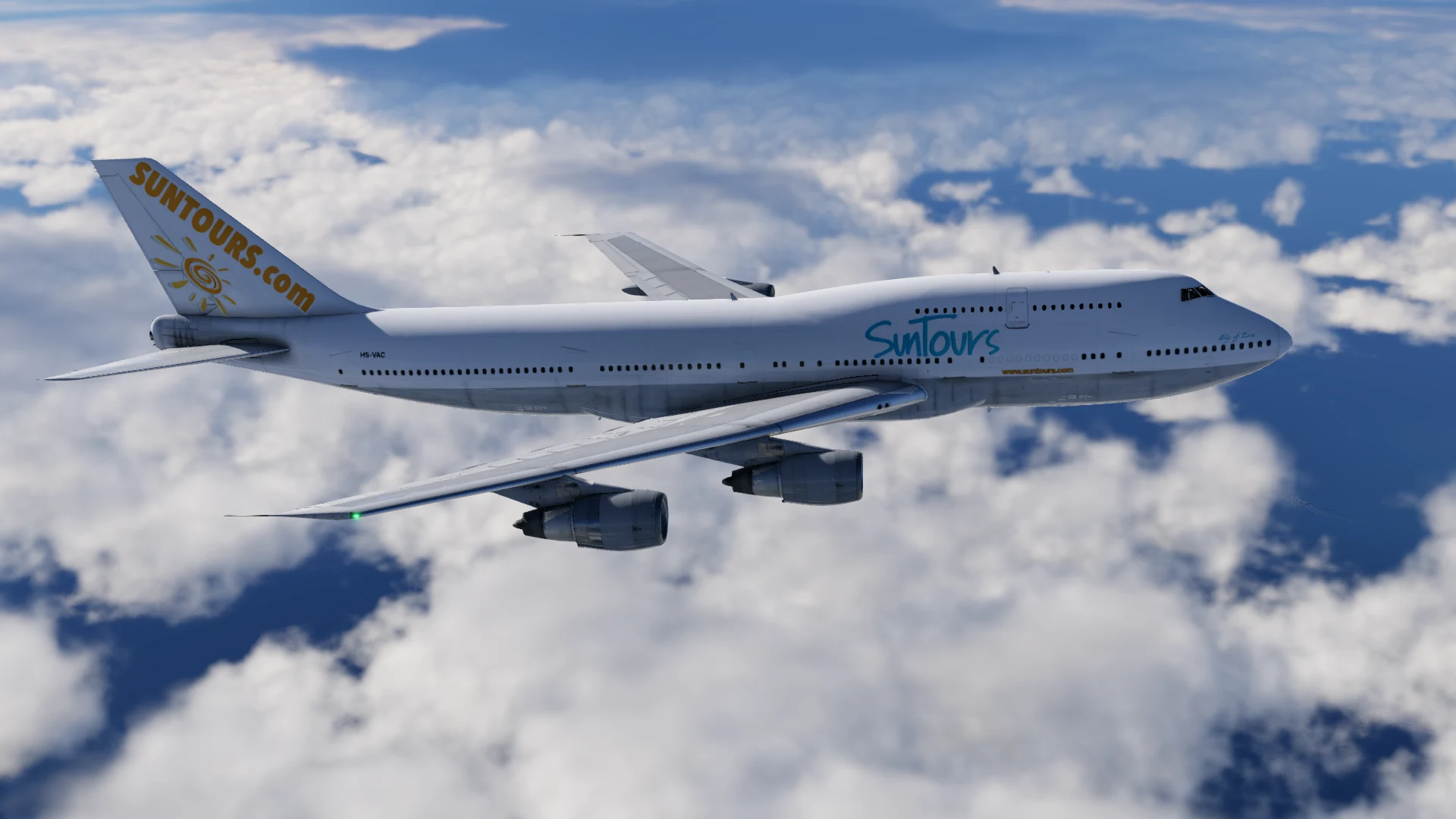
Simulator view of two aircraft engines and a wing above the clouds
Simulator screenshot
CORSAIR VIRTUAL / CARGO & CHARTER

A different load.
A new horizon.

From the cargo apron to a new horizon. Plan the load, prepare the flight and discover another side of virtual aviation.

Explore destinations ↓
PLAN THE LOADFLY THE MISSIONSHARE THE JOURNEY
WHAT WILL YOU FLY TODAY?

Choose your mission.
We’ll show you the way.

A new charter, a scheduled leg or a flight you’ve already booked. Start with the journey that suits you.

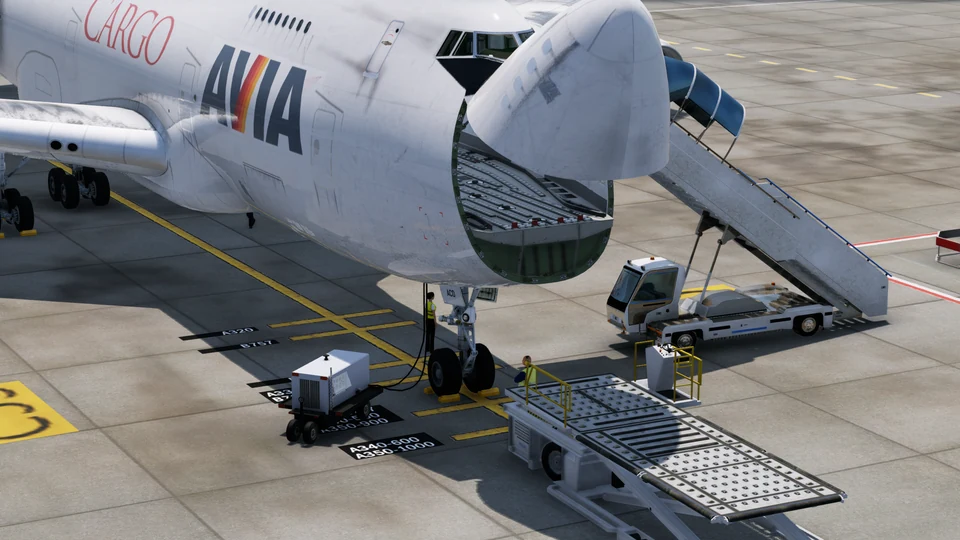
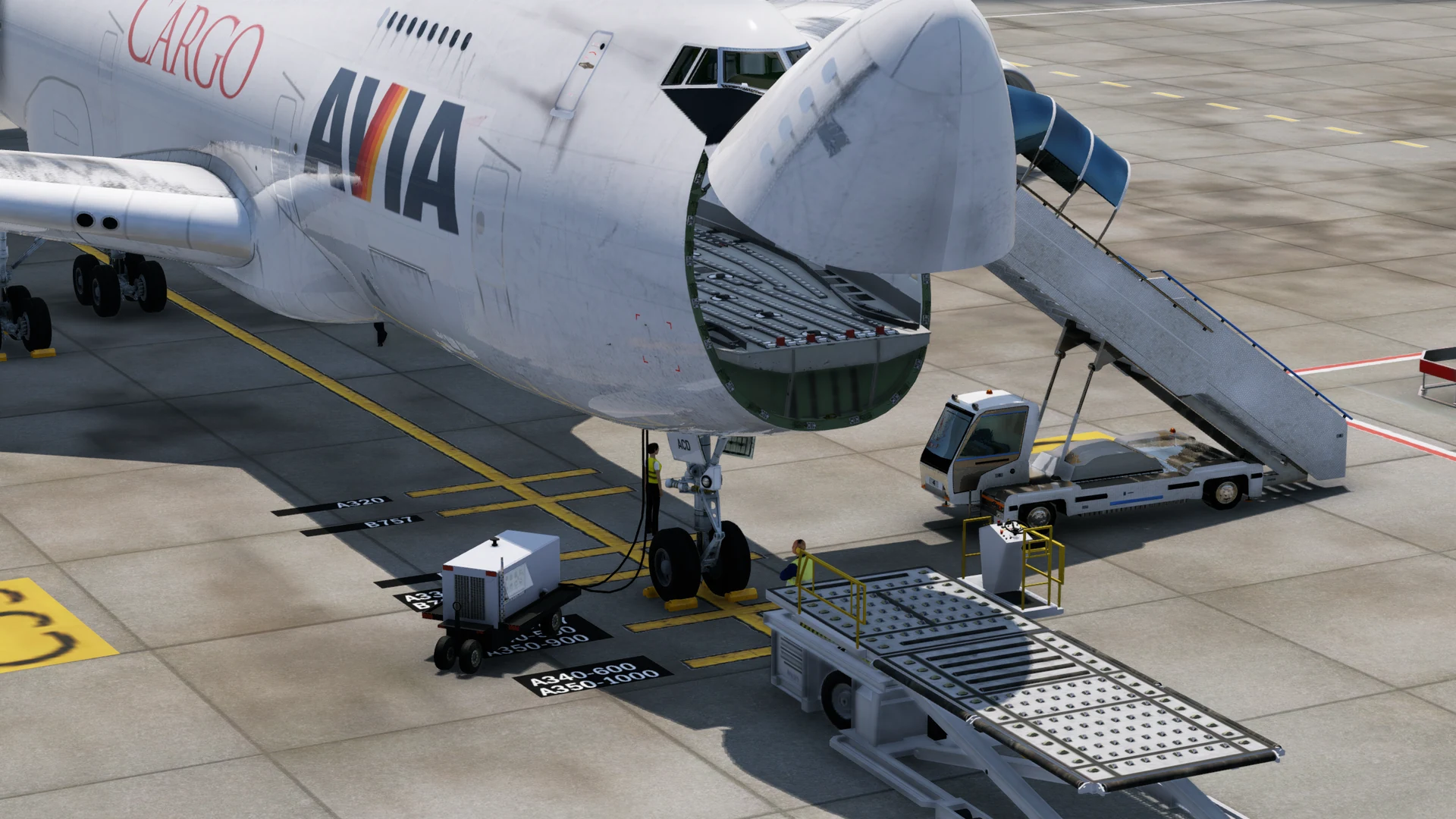
Avia Cargo aircraft in the simulator with its nose cargo door open
01 / YOUR SIMULATOR JOURNEYAt the apron. Ready for the next mission.
YOUR DESTINATION · YOUR MISSION

Make room for
something different.

Choose a destination and an eligible aircraft in FSAirlines, then bring the reservation into your Corsair workspace.

  1. Choose your aircraft, destination and load in FSAirlines.
  2. Retrieve your charter through your linked pilot account.
  3. Review packages and payload, then prepare with SimBrief.
Start a charter flight ↗Charter creation takes place in FSAirlines.
Simulator aircraft engines above a cloud layer
02 / YOUR SIMULATOR JOURNEYAbove the clouds. On to the next destination.
A ROUTE TO FOLLOW · A LOAD TO PLAN

Your next leg.
Ready to discover.

Browse the flights available to your pilot and choose an aircraft. Check the reservation’s cargo and passenger figures before dispatch.

  1. Find a route available to your linked FSAirlines pilot.
  2. Select an eligible aircraft and confirm the reservation.
  3. Continue through packages, load review and briefing.
Find an available flight →Routes and aircraft depend on your account and location.
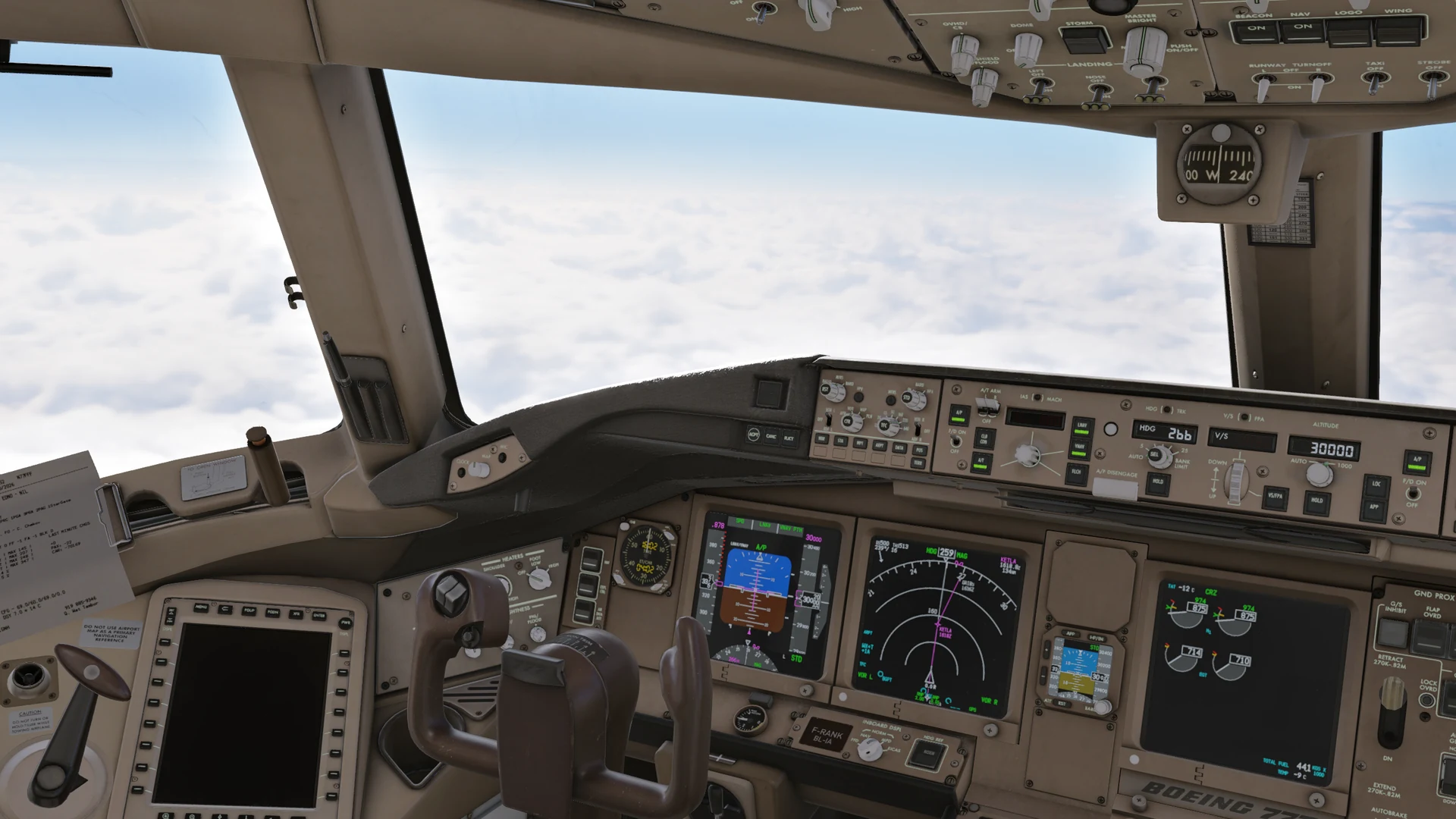
Simulator Boeing flight deck during cruise
03 / YOUR SIMULATOR JOURNEYIn the flight deck. Bring the plan together.
ALREADY RESERVED · CONTINUE HERE

From reservation
to the flight deck.

Already booked? Bring your current flight into the familiar preparation tools and pick up where your planning begins.

  1. Retrieve the current reservation for your linked pilot.
  2. Refresh the load after managing packages in FSAirlines.
  3. Generate your SimBrief plan and synchronize FlightPad.
Retrieve my charter →For a scheduled reservation, open flight preparation. Open flight preparation ↗

New to the flight deck? Discover pilot opportunities and join the crew.

See the full preparation flow ↓
OUR VIRTUAL CARGO FLEET GROUP

Avia World Cargo

Cargo flying in our virtual network, with Hong Kong Kai Tak as its configured fleet base.

Discover the company ↗
CONFIGURED FLEET BASEVHHX

VHHX

Explore base connections →Simulator screenshot
A WORLD OF POSSIBILITIES

Where will your
next mission take you?

Discover places in our saved route network, then check the flights and aircraft available to your pilot.

Hong Kong harbour illuminated at nightVHHX
ASIA · CONFIGURED CARGO BASE

Hong Kong

Start with the cargo fleet group’s configured Kai Tak base and explore its connections in the virtual network.

24 shared route listingsExplore connections ↗Benh LIEU SONG · CC BY-SA 4.0
Tokyo skyline at nightRJTT
JAPAN · NETWORK INSPIRATION

Tokyo

A new skyline for your next simulator mission. Explore Haneda’s shared connections before choosing an available flight.

32 shared route listingsExplore connections ↗Peter Morgan · CC BY 2.0
Lake Geneva and the waterfrontLSGG
SWITZERLAND · NETWORK INSPIRATION

Geneva

Bring your flight planning to an Alpine gateway. Discover the routes available around Geneva in our saved network.

54 shared route listingsExplore connections ↗Tiia Monto · CC BY-SA 3.0
Aircraft parked on the apron at Juba AirportHJJJ
SOUTH SUDAN · NETWORK INSPIRATION

Juba

Explore the configured base of our humanitarian-themed virtual fleet group and plan another kind of simulator journey.

8 shared route listingsExplore connections ↗Besserwisser123 · CC BY-SA 4.0

Network inspiration, not a list of confirmed cargo services. Route and charter availability depends on your pilot’s eligibility, aircraft and location. Snapshot: 8 Oct 2026.

KNOW WHAT YOU’RE CARRYING

Every good mission
starts with the load.

Make the cargo detail part of your flight day. Your preparation page brings the reported load together before you open SimBrief.

Open your flight preparation →
01

Generic cargo

The cargo amount returned with your FSAirlines reservation. Review it alongside the passenger load, including on mixed passenger and cargo flights.

02

Loaded packages

Packages already aboard your aircraft are listed separately. Add or manage them in FSAirlines, then refresh your load here.

03

Your dispatch payload

The reviewed cargo and package weights are sent to SimBrief. Check the selected airframe, baggage, payload and weight limits before generating the plan.

NEW IN FLIGHTPAD · CARGO CONTROL

Give every shipment
a story to finish.

Your cargo flight now has its own workspace. Turn the planned load into a visual manifest, follow ground handling and bring the mission home with a signed delivery record.

  1. 01

    Make the load yours

    Use your SimBrief cargo weight and refreshed FSAirlines packages. Choose a theme for clearly simulated shipment contents.

  2. 02

    Follow the turnaround

    Connected GSX can show baggage/cargo progress. Without GSX, complete handling in your simulator and confirm it here.

  3. 03

    Close the loop with OCC

    Sign acceptance and delivery records, review the attached documents in FlightPad Mail, then send them to OCC. Your deliveries build a personal cargo logbook.

Open a booked flight → FlightPad App Store → Cargo Control → Get. Internal simulation documents; simulator loading and FSAirlines package management remain under your control.

▧ CARGO CONTROLFLIGHTPAD
Cargo aircraft loading in the simulator
A MISSION TO DELIVER

From loading
to handover.

ILLUSTRATIVE APP PREVIEW
01 / GENERAL FREIGHTIndustrial
components
Simulated contents
02 / GENERAL FREIGHTWarehouse
supplies
Simulated contents
Ground handling, in viewOptional GSX updates · manual confirmation
▤
Cargo acceptance sheetReview · Sign · Send to OCC
↗
FROM BOOKING TO FLIGHT DECK

Your cargo flight.
One familiar workflow.

Scheduled and charter cargo flights use the same booking design and preparation journey. A cinematic flight summary opens after your SimBrief briefing passes verification.

  1. 01

    Reserve

    Book a scheduled flight here, or book a charter in FSAirlines and retrieve it.

  2. 02

    Packages

    Open package management in FSAirlines to review and load your aircraft.

  3. 03

    Review the load

    Refresh passengers, generic cargo and loaded packages before dispatch.

  4. 04

    Prepare & fly

    Send the reviewed load to SimBrief, generate your briefing, then return for verification and your flight summary. Continue into FlightPad when ready.

Pilot sign-in required. Review the SimBrief airframe, payload, baggage and weight limits before generating your plan. Package loading takes place on FSAirlines.

EXPLORE THE BASE NETWORK

Where could the next leg lead?

Open the route map ↗

Shared route-network snapshot · 8 Oct 2026. These are connections at the configured base, not verified cargo services or live booking availability.

YOUR NEXT DEPARTURE

Ready for a different
kind of flight?

Choose an available scheduled flight, or create a charter in FSAirlines and bring it into your Corsair workspace.

A CLEAR START

Before your
first cargo flight.

A few things to know before you head to the apron.

Can I book everything on this website?

Scheduled reservations are made through our booking page. Charter reservations and package loading are completed on FSAirlines, then retrieved here for load review and briefing.

Will a charter use SimBrief and FlightPad?

Yes. Retrieve the current reservation for your linked pilot, continue to packages and load review, then prepare and synchronize your briefing through the same workflow as a scheduled flight.

Why might a charter or aircraft be unavailable?

FSAirlines checks your rank permissions, location and eligible aircraft. Your virtual airline’s administration can help with account eligibility.

THROUGH THE CREW’S EYES

Simulator photography